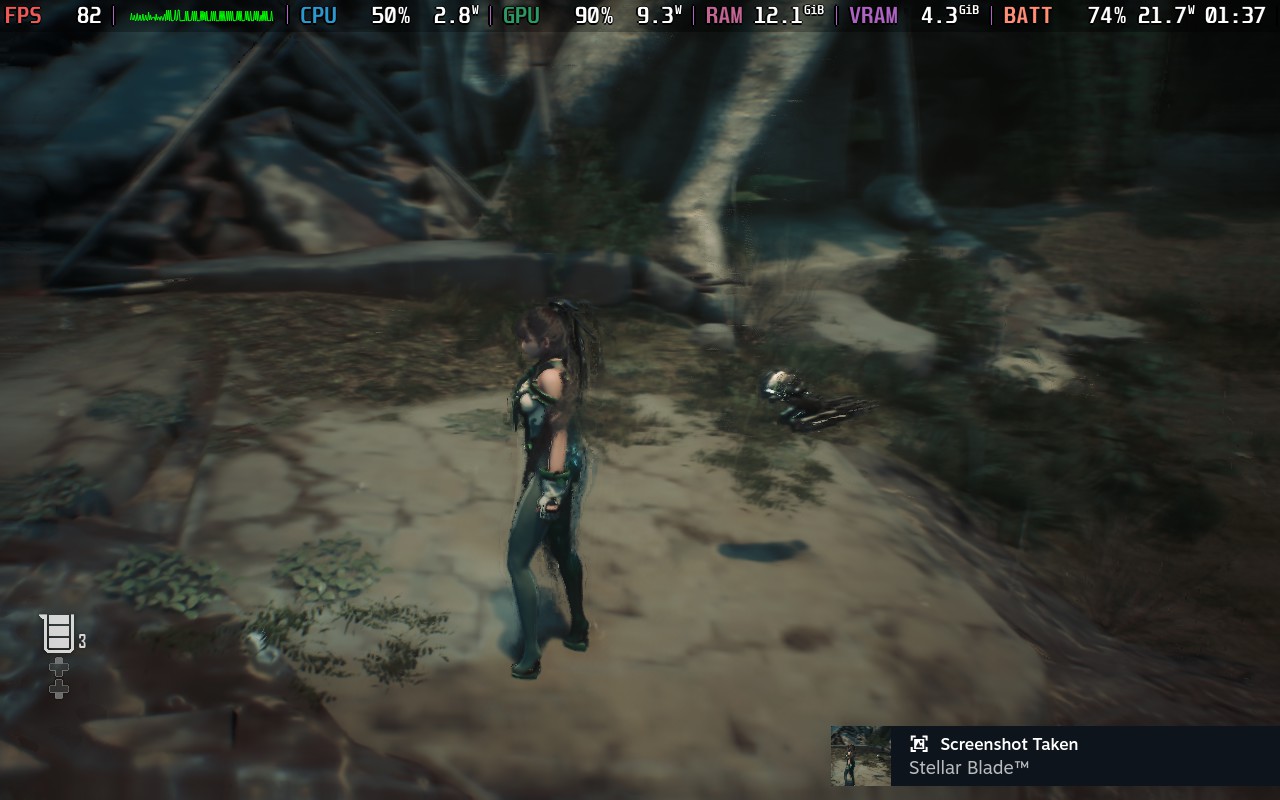
This is for multiplying your fps by 3x or 4x, but the input lag, ghosting, stuttering, and other issues make everything worse. Overall I’d recommend sticking to lossless scaling at 2x or not using framegen at all.
But they make the numbers bigger! Biggest number is best number!
Pfft, you get a chart with no legend, we don’t need no stinking numbers
Frame Gen is by its very design a really stupid technology
Last time I tried one of these filters, the game looked terrible (it was Death Stranding). It applied a weird squiggly, distorted look that wasn’t even remotely better looking. For games where you need precision and timing, I can see this making multiplayer games hell.
do unsupported thing on unsupported hardware
it’s bad
*socked Pikachu*
(NSFW warning)
When I had an RTX 2060 laptop, I had the most jank setup for Cyberpunk 2077.
I’d plug it into an older Sony OLED, which only supported low res HDMI input (can’t remember which res, I think 1080p?)
The RTX 2060 would run DLSS quality (for antialiasing) and output 2077 at low-res 60fps, and the TV would use its big ASIC to interpolate it to 120hz, and up to 4K.
And actually, it looked good! It felt smooth! Input lag wasn’t great, but absolutely playable.
I don’t have a PC that can do framegen (3090 now), but ironically, the DLSS framegen demos I’ve seen didn’t have interpolation as good as the Sony. And I believe Sony/Samsung support “no next frame” interpolation, so they don’t blow up input lag.
I’m not saying it’s a great idea, but there are ways of doing this that aren’t terrible.
The steam deck just isn’t powerful enough for the games I play now. It’s a shame because I love the device.