

8·
9 days agoIs it normal to have to be running this as superuser?
Man I can not believe Microsoft makes it this fucking difficult to make a bootable usb. It is honestly insane
Is it normal to have to be running this as superuser?
Man I can not believe Microsoft makes it this fucking difficult to make a bootable usb. It is honestly insane
Because it will have errors with device access I am almost 100% sure. But yeah, I’ll try it with GNOME Boxes or something but I already know it’s going to start talking about udev rules and stuff like that and then it’s another time sink to figure out.
I tried going to the library to use their windows but you cant download anything (like the garmin updater) so I don’t even know what the point is of having them there honestly.
I have not I guess this is step one? I was hoping to figure out a way to do it within fedora somehow but I will look into updating the motherboards firmware first then.
Which one would you recommend?
I’ve looked around but just haven’t found many viable options for some I know that Alienware made one awhile back but no longer do it looks like the poster that replied to you on this comment though found a pretty sweet deal which is awesome. Just smaller than what I would be wanting.
I want one that’s like 55"- 65" 120hz and has a display port and I haven’t been able to find a single one they’re all TVs full of spyware and no displayport options. (I have my current tv blocked on the router level from the internet)
I’d even just settle for a smart tv as long as it just had a display port. I might just have to switch to a monitor soon to get the most of my system. I would no joke be willing to save up and pay around 3K for a 55" to 65" monitor with 120hz and a displayport with no internet access. But they just don’t seem to exist from what I’ve seen.
Edit: Just now saw the answer in your comment above that’s a huge bummer damn the HDMI Forum but thank you so much for the answer!
I havent seen a setting for it but on this tv if you hold down the play button it opens a game mode taskbar that says the resolution if HDR is enabled and if VRR is on or off.
On PS you can set the settings on the playstation itself to automatically use VRR when available so when I’m not running a game it says VRR off on that game mode bar that the tv pulls up but when I start a game it automatically switches it on and says VRR On on the game mode taskbar.
I definitely did because I was super hesitant about it too but yes I will probably just direct most of my questions here and other forums in the future.
I think it may be because I had installed the steam flatpak beforehand I did doa full delete of it but maybe something in this file didn’t get cleared?
I’m definitely not the most experienced Linux user yet so I don’t even really know what I would be looking for that would be suspicious or not correct in that file
Thank you!
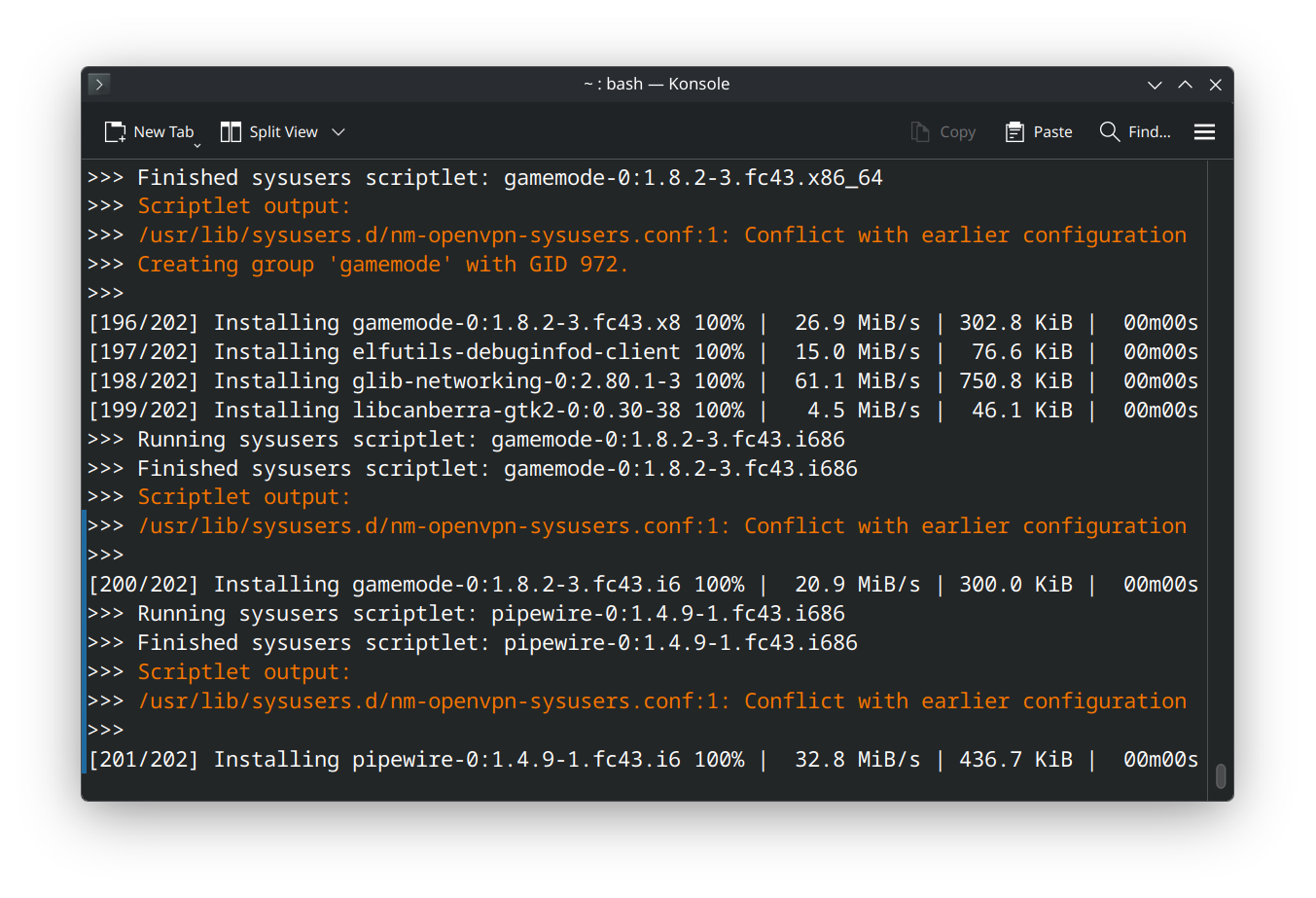
This worked dude thank you so much.
I tried getting it to run on the old laptop since I didn’t care a bout it but my god of course that user (which is the only one ) wasn’t allwoed to run root adn instead of reading up for an hour on how to edit the groups I finally just ran it as root on my personal machine and it worked. thank you man I was for real about to snap the laptop in half i was getting blinded with rage.
I normally don’t lose my cool like this so easily but I have to update this to use it or else I lose my job so windows just doing everything it could to not work was making me lose it man.
Figured this would be like making a linux usb. HAHAHAHAHAHA